


Douyin (抖音) is ByteDance’s Chinese short-video platform; TikTok is a separate service. Use Douyin’s own app or website to explore its videos and creators. Do not assume your TikTok account, follows or purchases carry over.
Douyin versus TikTok: what to expect
| Question | Practical answer |
|---|---|
| Can I use my TikTok account? | Do not assume account compatibility; follow Douyin’s own login flow. |
| Is there a complete English mode? | Do not plan around one. Interface and language options depend on the release. |
| Can I use it on a computer? | Start at the official Douyin website and use the browsing or login options displayed. |
| Does registering unlock every feature? | No. Publishing, livestreaming and other services can have additional requirements. |
Start with the official app or website
Open douyin.com and check the current download or web options. If you want to create an account, use our separate Douyin registration guide for phone-number and SMS troubleshooting. App-store availability and access can vary by location.
Do not install a similarly named app merely because it appears in a search result. Verify the developer and follow the download route linked by the official service.
Browsing and account features are different
Douyin’s user agreement says some functions, including video publishing, livestreaming and messaging, require an account and applicable identity verification. A successful login should not be treated as approval to open a shop or use every creator tool.
Its privacy policy describes phone-number registration. Check the permissions requested for the task you are doing rather than granting every permission automatically.
Password and account recovery
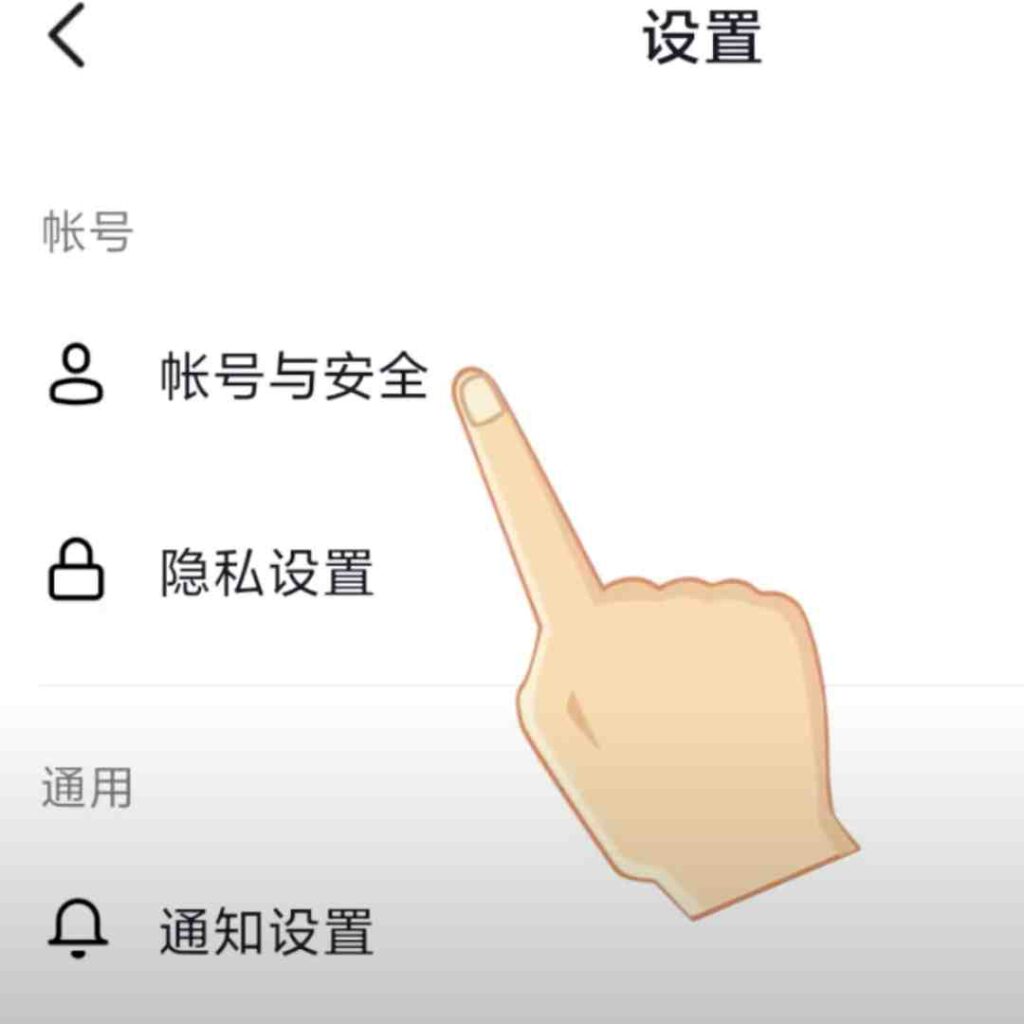
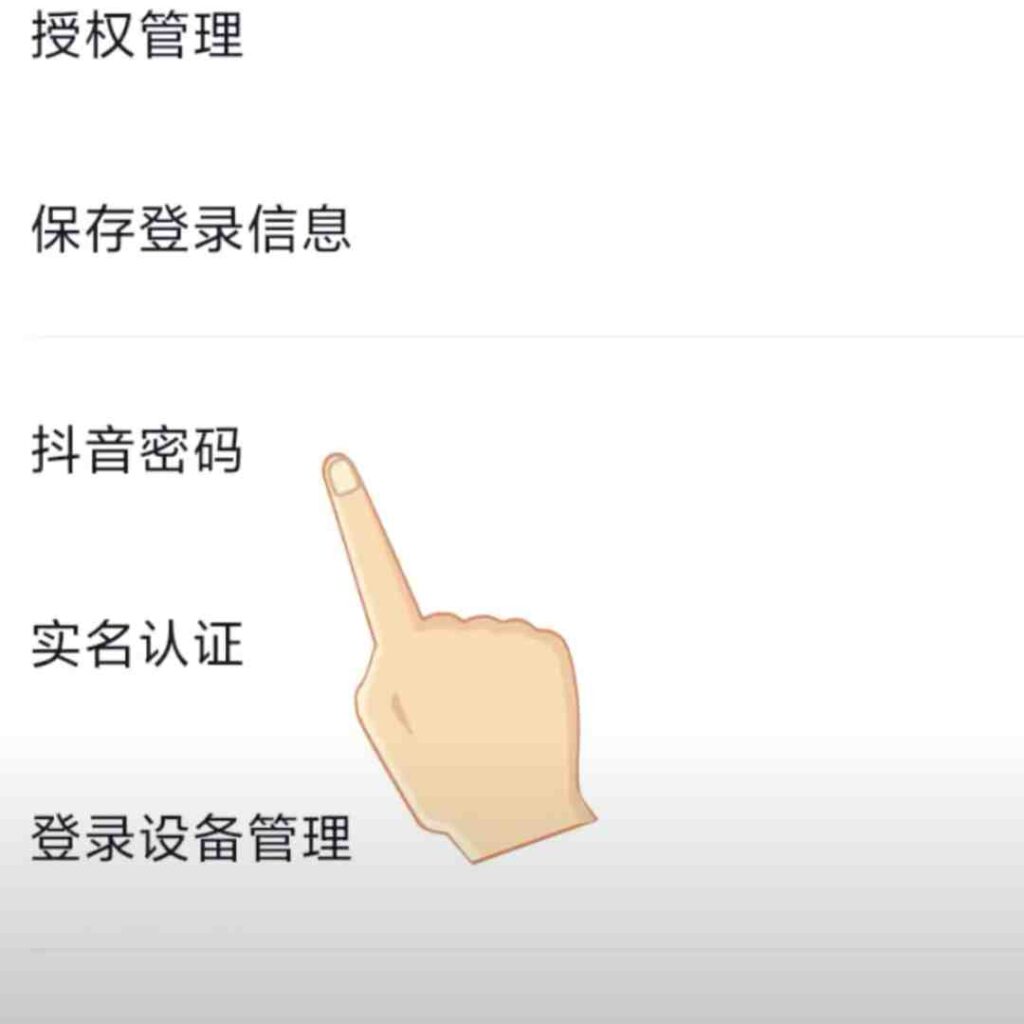
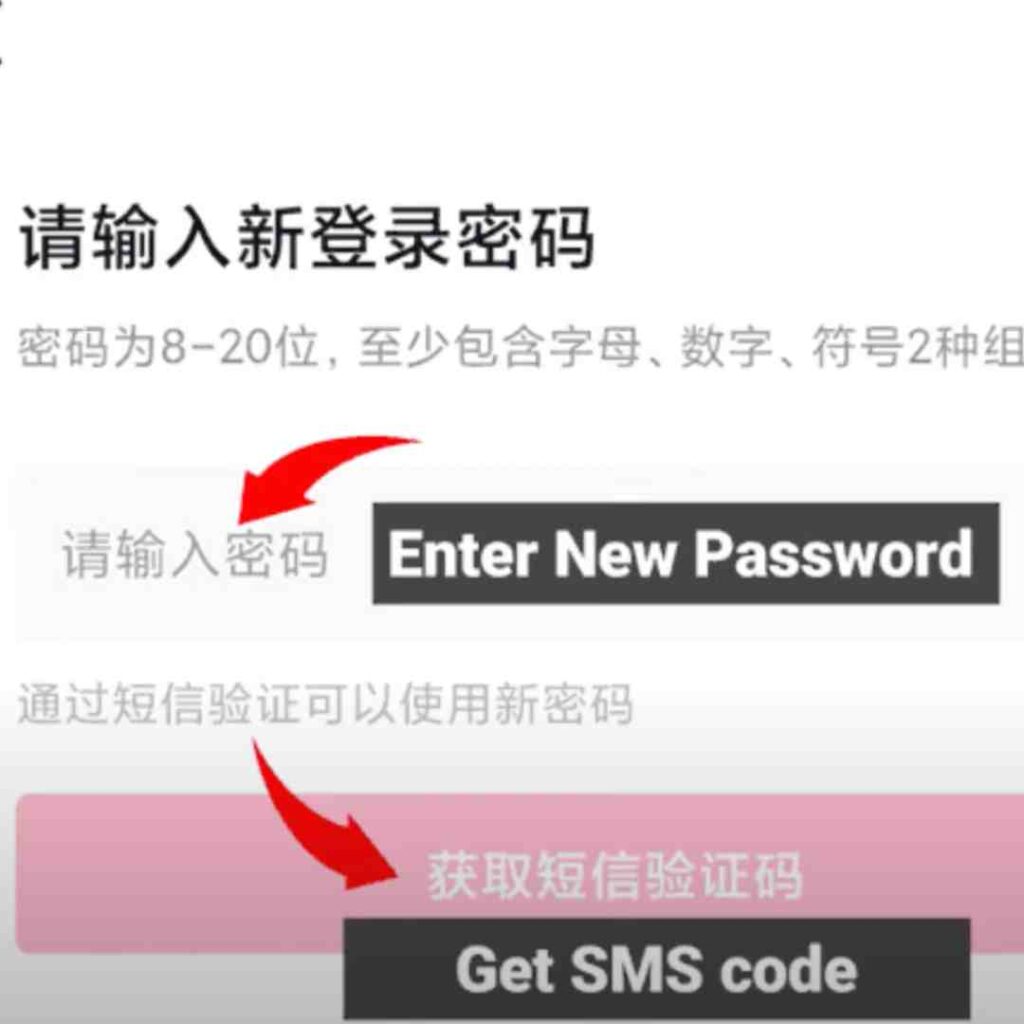
If your version offers password setup, look in the profile menu under account and security settings. Use the recovery method shown by Douyin if you forget it. Keep access to the linked phone number, and never send your SMS code to someone offering account help.
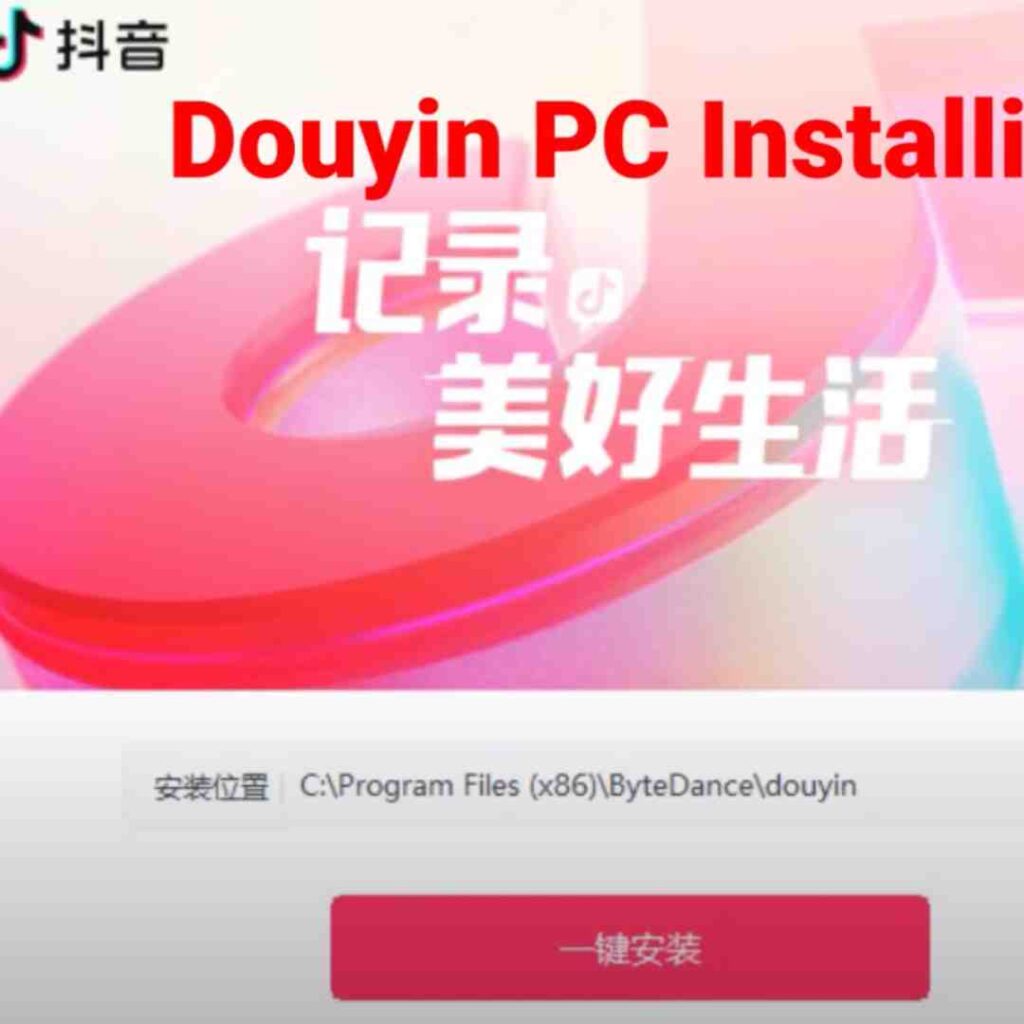
Interface examples from the original guide are retained below. Menu names, layout and available features may differ in your current app.
Using Douyin on desktop
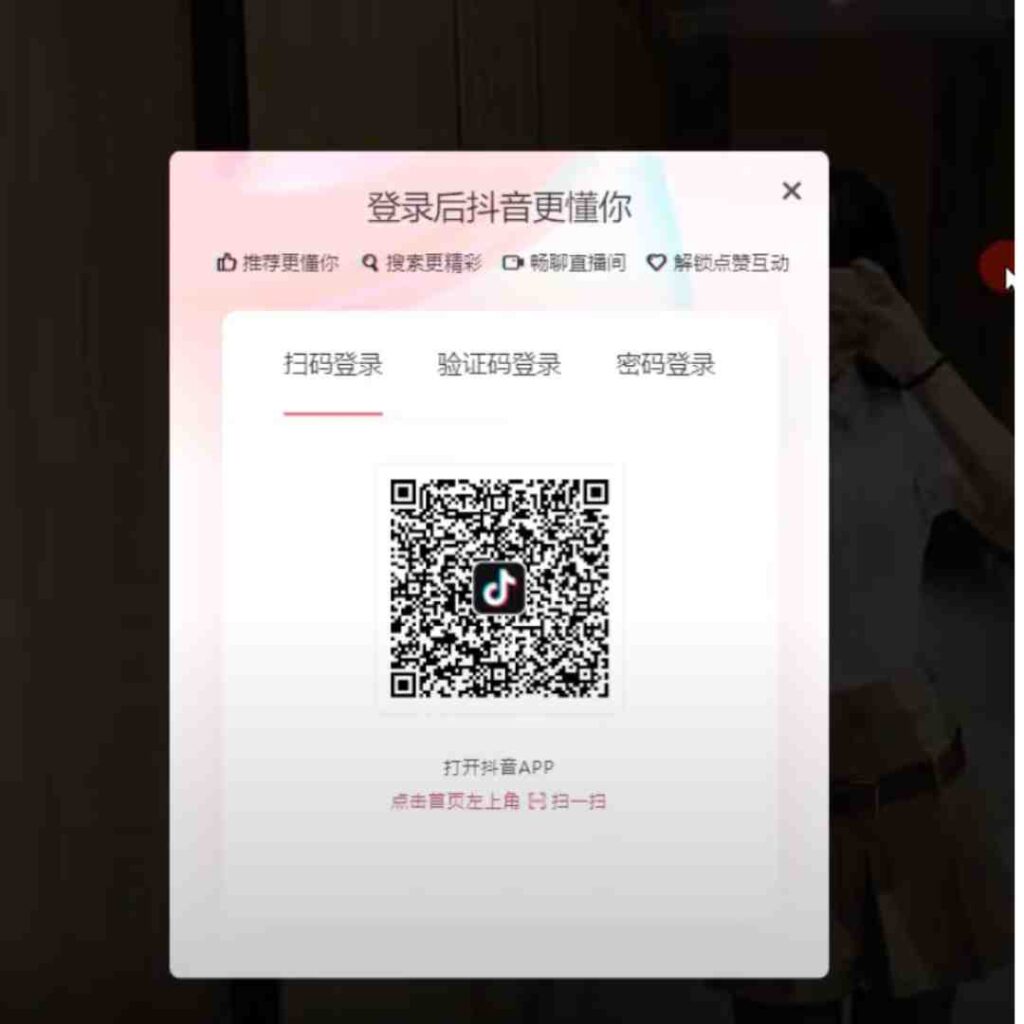
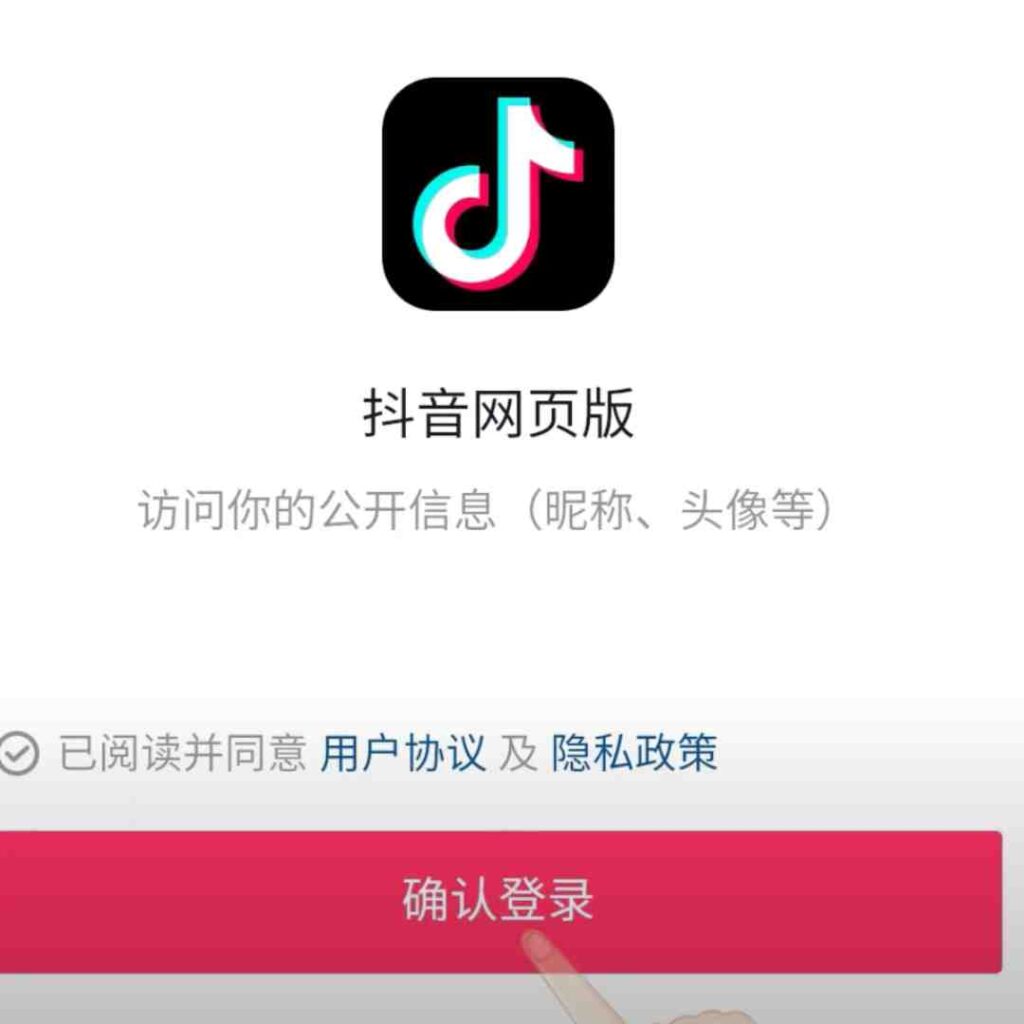
Start with the official website. If it offers QR-code login, confirm the request in your own app and check that you recognize the session. If it offers SMS login, use the number linked to your account. The options on your screen take precedence over an older screenshot.
When a feature is missing or access fails
Identify which step failed: loading the website, downloading the app, receiving an SMS, logging in or opening a particular feature. Record the message and use Douyin’s in-app feedback route. Switching to WeChat, QQ or Weibo is only an option when Douyin itself offers it; it is not a universal workaround.
For first-time setup, return to the step-by-step registration article. This overview focuses on using the service and understanding its account boundaries.